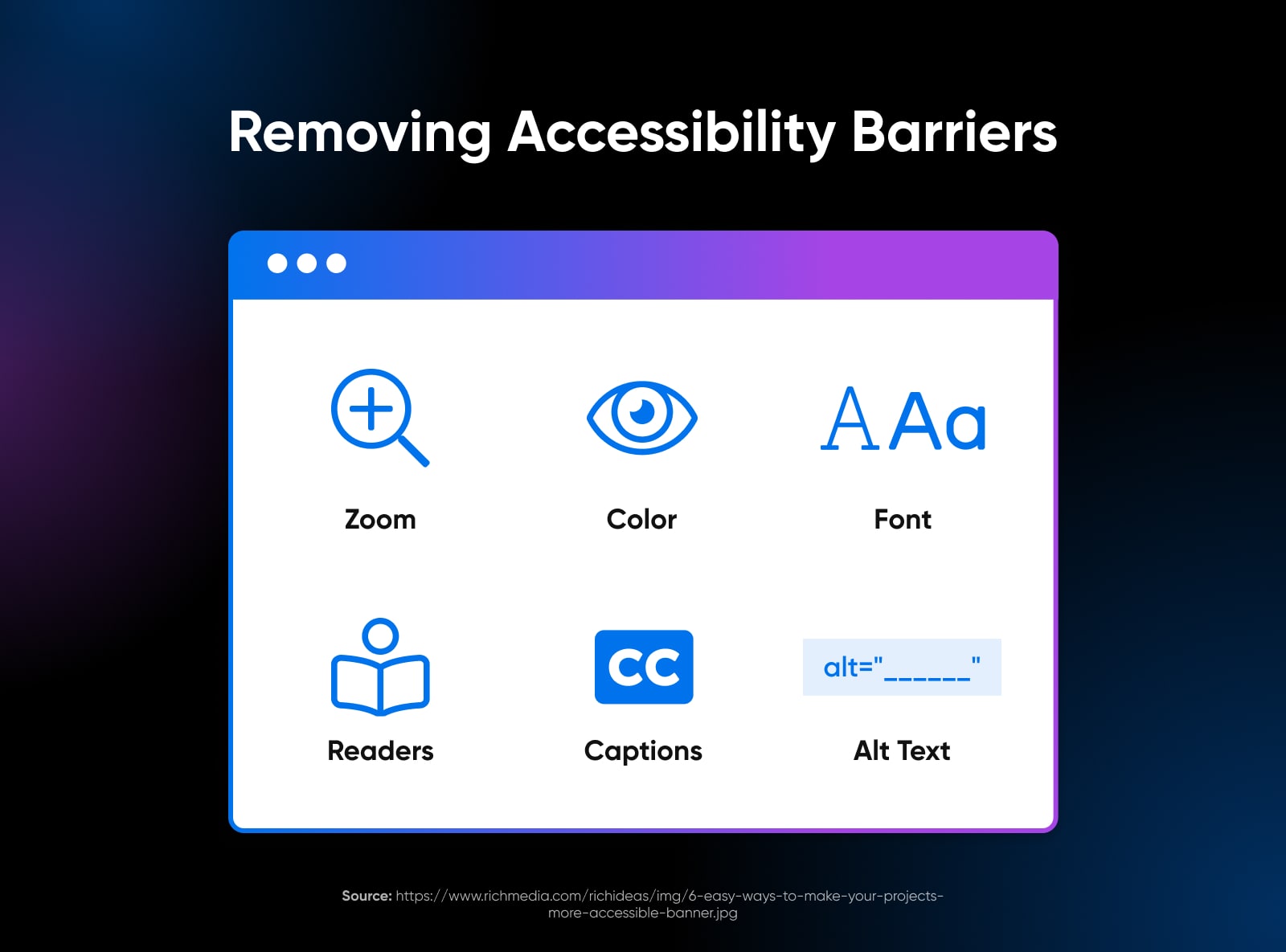
Understanding Web Accessibility: Why It Matters for Everyone
Understanding web accessibility is essential in ensuring that all individuals, regardless of their abilities or disabilities, can navigate and interact with the digital world. It encompasses a variety of practices that make websites usable for people with different needs, including those with visual, auditory, motor, or cognitive impairments. By designing accessible websites, we not only comply with legal standards but also widen our audience reach and enhance user experience for everyone. This inclusivity ultimately leads to a more equitable internet, benefiting both users and businesses alike.
Ignoring web accessibility has far-reaching consequences. Accessibility barriers can prevent individuals with disabilities from accessing vital information, goods, and services, effectively alienating a significant portion of the population. Furthermore, investing in web accessibility now can save costs in the long run; retrofitting inaccessible websites can be more expensive than incorporating accessibility from the beginning. Therefore, understanding and implementing web accessibility best practices is not just a moral obligation—it's a strategic advantage in today's digital landscape.
Top 10 Best Practices for Creating an Inclusive Website
Creating an inclusive website is essential to ensure that all users, regardless of their background or abilities, can access and engage with your content. Here are the top 10 best practices for achieving this goal:
- Utilize Semantic HTML: Proper use of HTML elements, such as headings, lists, and landmarks, helps screen readers and assistive technologies navigate your website efficiently.
- Ensure Color Contrast: Maintain sufficient color contrast between your text and background to assist users with visual impairments in reading your content.
- Provide Alt Text for Images: Always include descriptive alt text for images to allow visually impaired users to understand the context and content of visuals.
- Keyboard Navigation: Ensure your website is fully navigable using a keyboard, making it accessible for users with motor disabilities.
- Responsive Design: Build a responsive website that adapts to different devices and screen sizes, catering to the needs of all users.
Continuing with our top 10 best practices, consider the following:
- Accessible Forms: Design forms that are easy to understand and complete, and include error messages that provide clear guidance.
- Use Clear Language: Write content in plain language, avoiding jargon to ensure comprehension for a wider audience.
- Add Captions and Transcripts: For multimedia content, provide captions and transcripts to support users with hearing impairments.
- Implement Consistent Navigation: Keep navigation consistent across your website to help users feel oriented and find information more easily.
- Conduct User Testing: Regularly test your website with diverse users to identify barriers and gather feedback for continuous improvement.
Is Your Website Accessible? A Simple Checklist for Compliance
Ensuring that your website is accessible is crucial for reaching a broader audience and complying with legal standards. An accessible website enables individuals with disabilities to navigate and interact with your content effectively. To help you assess your website's accessibility, here’s a simple checklist to consider:
- Check if all images have alt text that describes their content.
- Ensure that your website can be navigated using a keyboard alone.
- Test your content with a screen reader to verify usability.
- Verify that color contrast meets the recommended ratios for visual accessibility.
In addition to the basic checks, don’t forget to consider the following elements when evaluating your website's accessibility:
- Utilize headings properly to structure your content for better understanding.
- Include transcripts for audio and captions for video content.
- Make sure forms are properly labeled and easy to use.